 The Average Learner
The Problem
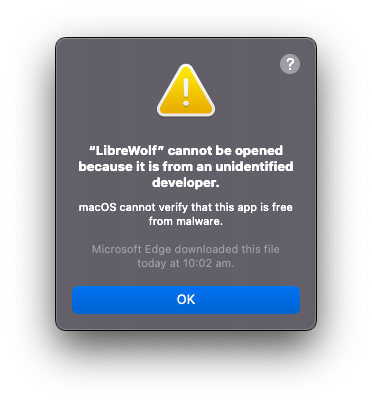
Chances are, you just downloaded and installed a new application. But you are facing this annoying popup while starting it up, forbidden you to open it.
That’s a layer of security measures from Apple to prevent users has the right to install malware by mistake.
The Solution
- Go to Settings/System Preferences > Security & Privacy
- Go to the “General” tab, you will see the following:

- Click open anyway.
- Now it will open automatically, make sure to click open again for the next bubble.
- You can start the application like usual from now on, it won’t ask you again.